Wherever you go, Aliquot is there

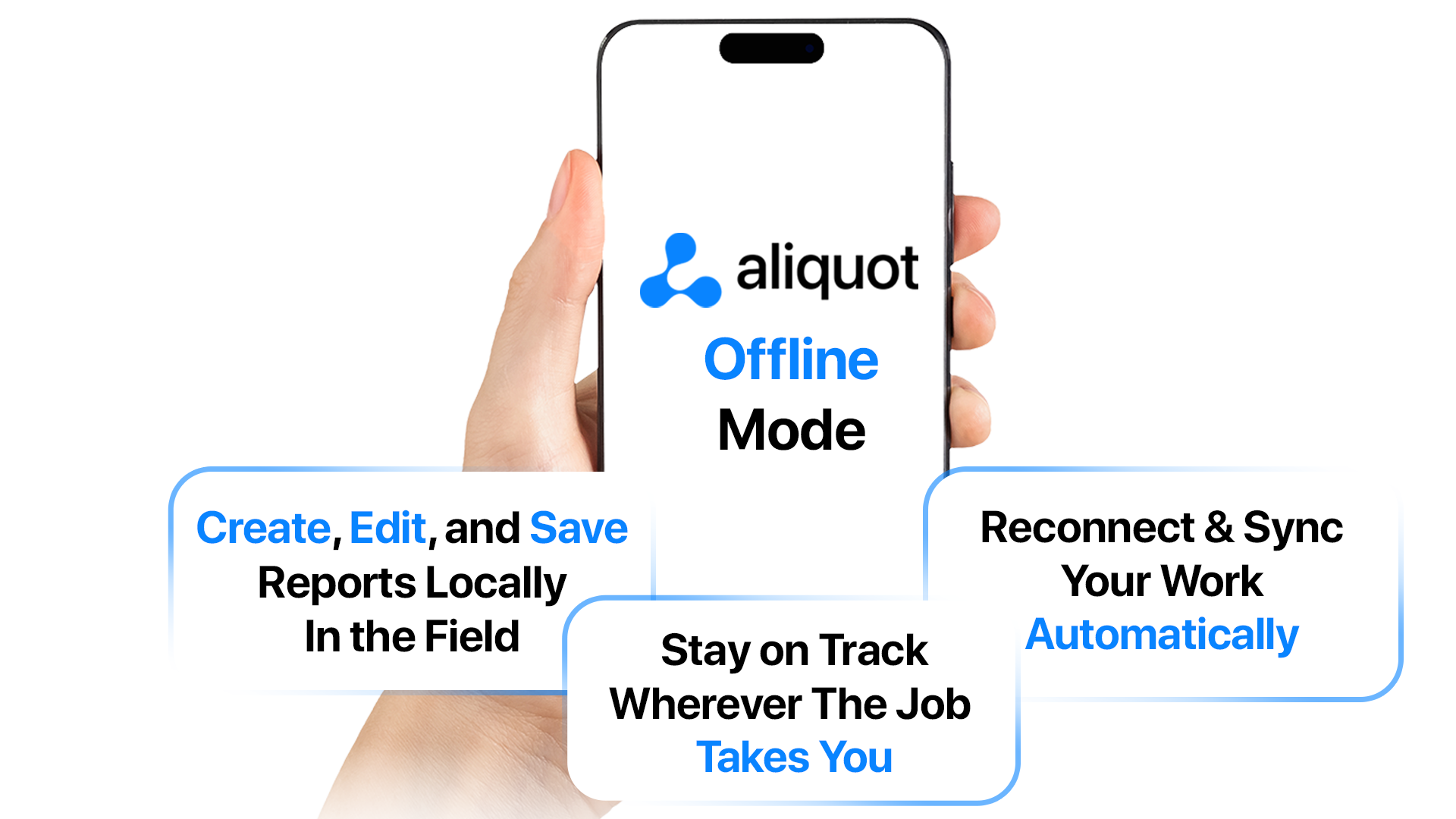
Keep critical work moving, even without an internet connection. Offline mode lets field teams continue reporting in low or no connectivity environments.
Built for real-world conditions
Offline Mode is designed for environments where connectivity cannot be assumed. After a one time online sign-in, users can download the systems they need and continue working wherever the job takes them.
What Offline Mode delivers:
- Business continuity in low or no-connectivity environments
- Fast, reliable data entry with local first saves
- Automatic background sync when connectivity returns
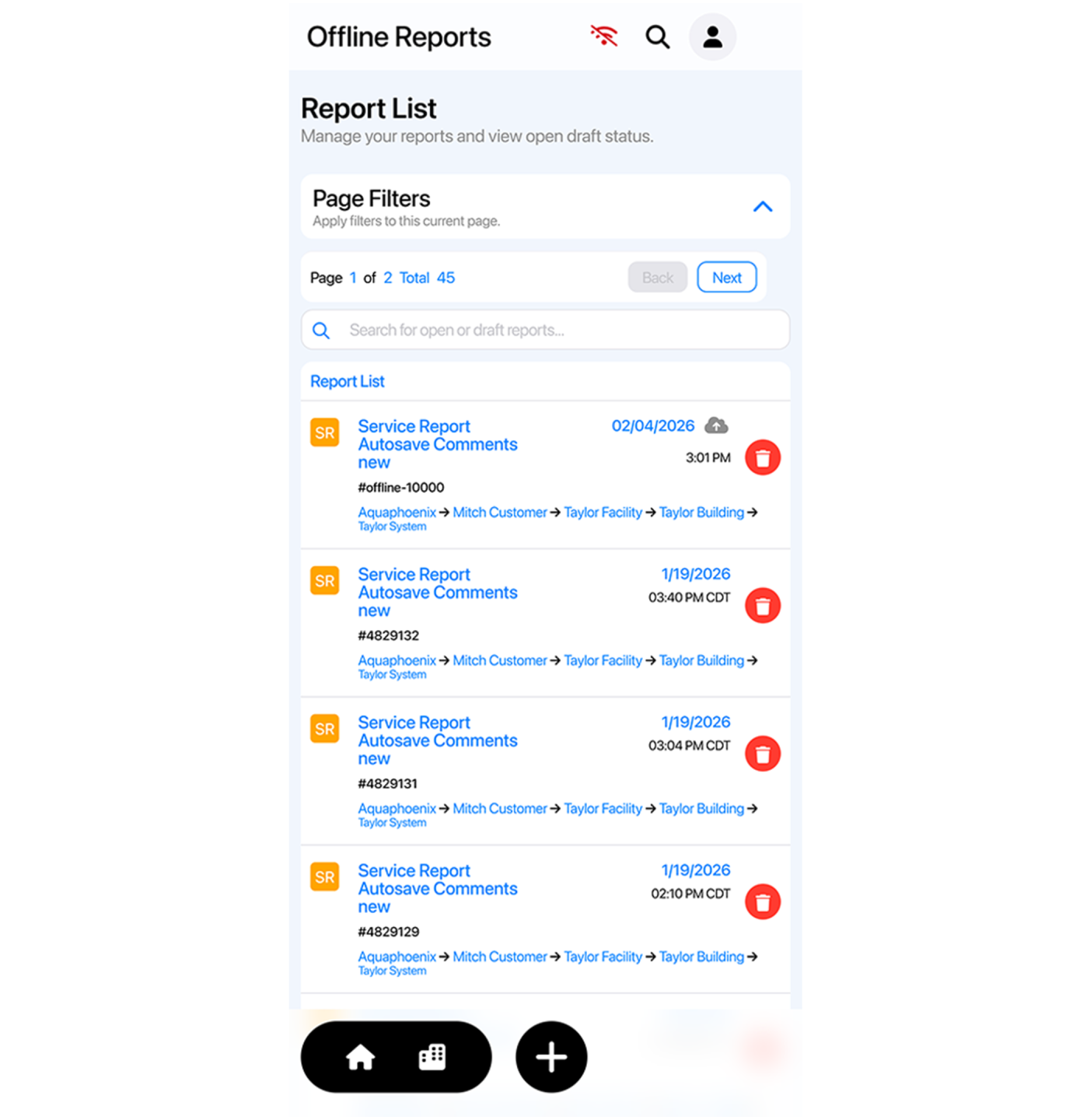
- Intentional and predictable, with clear visibility into what is available offline and what will sync later

Designed for the field, not the network
Offline Mode is built around the reality of field work, not ideal connectivity. Systems are intentionally downloaded ahead of time, offline access is clearly defined, and reporting workflows behave the same way every time.
There is no guessing about what is available offline or what will sync later. Work is saved locally, protected on the device, and delivered automatically once a connection is available. The result is a reporting experience that feels stable and dependable, even in unpredictable environments.
Secure, reliable, and ready for the field
Offline Mode stores only minimal, task-critical data on the device, protected with encrypted storage where supported. All sync traffic is secured, and data is validated before being delivered to the cloud.
Offline Mode removes one of the biggest barriers to reliable field reporting. Wherever the work happens, Aliquot is ready to be there with it.
Aliquot Offline Mode FAQ
Do I need to be online to start using Offline Mode?
Yes. You must sign in online at least once so the app can securely cache your credentials, permissions, and system list for offline work. Once that initial login is complete and systems are downloaded, you can work without a signal.
Which reports can I create offline?
Service Reports and Operator Logs are fully supported offline for downloaded systems. Other report types may require online access unless explicitly noted in a release. Always ensure the systems you need are downloaded before heading into low-signal areas.
Can I review final reports offline?
Not in the current iteration. Final reports typically require a network connection to retrieve server-rendered documents. You can still complete and save your work offline; finalized documents will be available once you reconnect.
Do I need to download systems before going offline?
Yes. To work offline, systems must be downloaded in advance while you are online. This ensures you have access to the necessary site history, forms, and information in the field.
What happens when I reconnect to the internet?
Aliquot automatically syncs your offline activity once connectivity is restored. Your data is securely uploaded and reflected in the system without manual re-entry.
What happens if sync fails after I go back online?
The app retries automatically using a backoff method. If a specific item cannot sync, you’ll see a warning icon. Tap the icon to view details and retry once connectivity stabilizes.
Is my data secure while working offline?
Yes. Your credentials, permissions, and downloaded system data are securely cached. When you reconnect, all data syncs through Aliquot’s secure infrastructure.
Do I need the mobile app to work offline?
No, offline mode is available in the browsers as well. Both mobile and desktop browsers like Safari and Chrome support offline mode. The mobile native app also supports offline mode.
Who is Offline Mode designed for?
Offline Mode is ideal for field teams working in:
- Remote locations
- Mechanical rooms with poor signal
- Rural or hard-to-reach facilities
- Industrial environments with inconsistent connectivity